Proton Mail is the Gmail-replacement from Proton, the Swiss company on a mission to make data privacy and security the norm on the Internet.
Proton Mail on the surface functions very similarly to Gmail, but behind the scenes Proton Mail strips out unwanted trackers, ads, and spam from your incoming mail.
Proton already made it simple to switch to using Proton Mail with their Easy Switch tool, which automatically forwards all your incoming email from your Gmail account to your Proton account. Two major barriers to fully adopting Proton Mail however, remained:
Inability to reply using your Gmail address
No access to e-mails received before enabling email forwarding
Proton has eliminated the need to ever go back to your Gmail account
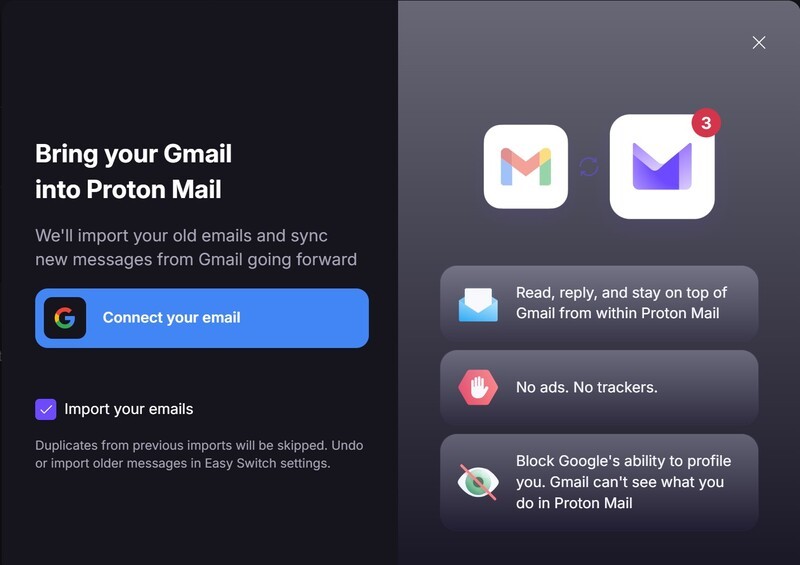
In addition to the one-way forwarding option, Proton has now introduced a two-way connection setup. Once enabled, you can switch between sending from your Proton address or your Gmail address with ease, and import all of your saved e-mails too.
To switch between sending addresses, simply click the dropdown menu in the "From" field and select your Gmail address; this is the same way you already switch between your various Proton e-mail addresses and aliases. When replying to an e-mail sent to your Gmail, Proton will automatically default to your Gmail address for the reply.
Establishing the two-way connection
To activate the two-way connection to your Gmail, you will need to open Proton Mail in a web browser. From there, click on the Gear icon in the upper righthand corner, select "All Settings", then find "Import via Easy Switch".
Select Google*, and then "Connect your email". Follow the prompts and you're done within seconds.
*One-way and two-way connections via Proton Easy Switch are not currently supported. One-time imports can be done via the tool, and auto-forwarding may be possible if set-up from Outlook or Yahoo.
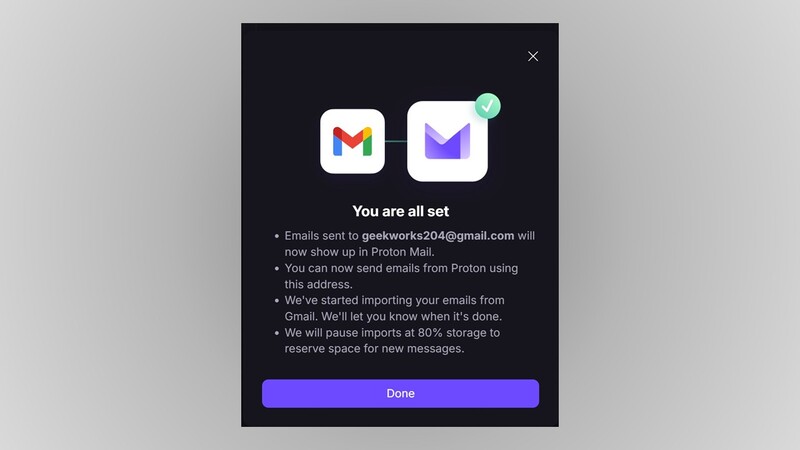
If you decide that you in fact did not want to import your old e-mails, you can cancel the import while it is in progress from the Import via Easy Switch screen. Or, if you change your mind after the fact and regret bringing your old messages over, there is an "Undo import" button that will remove the emails, folders, and settings that carried over.
Calendar invites sent to your Gmail and accepted in your Proton Mail will be automatically added to both your Proton and Google Calendars.
A perfect fusion
Enabling the two-way connection between your Proton Mail and your Gmail gives you the privacy features of Proton with the continuity of maintaining your Gmail address and messages. The new two-way connection tool from Proton has made combining the two services virtually effortless.
Read more

Do you get free access to Proton apps with AphyOS?
Big Tech productivity apps aren't really free; while they may not charge money, they are harvesting your data and selling it to the highest bidder, or with the stroke of a pen may be providing it to national governments. Enter Proton, where Swiss privacy laws and dedication to data security meet to provide a truly free-to-use suite of mobile productivity applications. Learn more about...