You know that friend you call the second your Wi-Fi stops working right? The person who actually has a printer for the two times a year you need one? The person who nerds out over their new smartphone and you ignore them until you actually upgrade yours and then they're more than happy to guide you through setup? Well this month there's something on their minds that actually should matter to the rest of us, too.
October is Cybersecurity Month, so we're starting a series of articles with everyday tips to help ensure you take control of the permissions on your phone, no matter which device you're runnning.
What happens inside your phone the exact second you take it out of the box and turn it on?
Most of us assume a new phone is like a blank notebook. You peel off the plastic screen protector, maybe tap your fingernails against the box because you've seen influencers do this, tap through the polite "Hello" screens, connect to your home Wi-Fi, and decline all those optional checkmarks asking if you want to share data with advertisers.
Clean slate, right?
Not even close.
If you hook a brand-new phone up to specialized monitoring gear (the kind of network meters IT security folks play with on weekends) you will see something genuinely wild.
The second that setup screen finishes, before you open a single app or type a single word, your phone starts frantically whispering to servers across the planet.
Here are five things your techie friends know your phone is doing behind your back, and a few simple changes you may want to make on your smartphone today.
1. It Calls Home Before You Even Open It (Pre-Installed App Telemetry)
Imagine buying a TV that immediately phones the factory to report what room you put it in, what time you plugged it into the wall, and which neighbours have their Wi-Fi turned on.
That is what modern commercial phones do. Academic research has repeatedly caught pre-installed software and background services reaching out to corporate servers the moment a device connects to the internet, even while the phone is sitting on a desk with the screen turned off.
You haven't tapped an icon. You haven't sent a text. But the phone has already checked in.
2. "Opting Out" Doesn't Mean What You Think It Means (Background System Tracking)
Remember those little toggles during the setup screen where you clicked "No thanks" to diagnostics and advertising IDs?
To you, that means: Please don't collect my data.
To Big Tech platforms, that usually just means: Don't show me personalized ads based on my data.
In some cases, the underlying operating system or individual apps continue to collect and send back technical breadcrumbs anyway.
Researchers from Trinity College Dublin found that standard commercial phones still send updates back to vendor servers roughly every 4 to 5 minutes around the clock, even when users explicitly turned off data sharing in their settings.

3. Your Phone Is a Neighbourhood Gossip (Ambient Wi-Fi & BSSID Logging)
When your phone talks to tech company servers in the background, it isn't just talking about itself. It's talking about everything around it.
Your device constantly listens for nearby Wi-Fi routers, cellular antennas, and even other phones nearby. It packages up those signal fingerprints and beams them away.
Why? Because when a company knows which Wi-Fi routers and nearby gadgets you are closest to, they don't even need GPS to pinpoint exactly where you are, who you live with, and whose office you just walked into.
4. Preloaded Apps Are Often Secret Spies (Unvetted Background Services)
When you get a phone, it usually comes stuffed with preloaded apps: browsers, weather widgets, note apps, and carrier tools.
You might never tap on them. You might even shove them into a folder labelled "Junk."
It doesn't matter. Many preloaded commercial apps are granted special system permissions that let them wake up silently in the background.
They might check in with their creators, update their ad trackers, and log your device's vital signs without asking your permission first.

5. Your Battery Level Tells a Story (Hardware Fingerprinting)
Ever wonder why free apps and phone operating systems care about how much battery you have left?
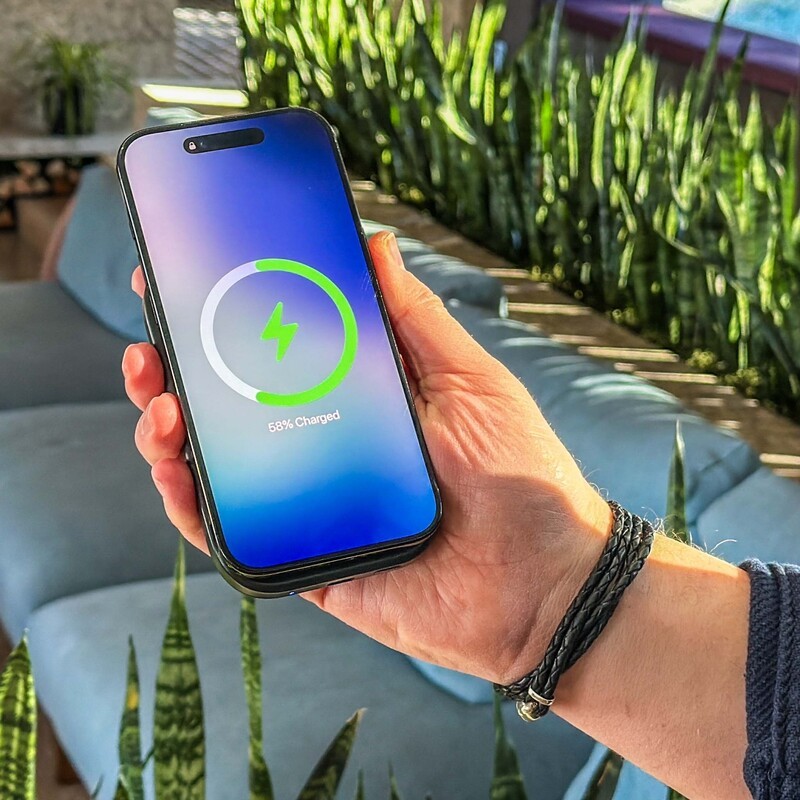
Security researchers will tell you that minor hardware quirks, like your exact battery percentage, how bright your screen is, and how fast your battery drains, create a unique digital fingerprint.
If your battery drops from 84% to 82% between 2:15 PM and 2:30 PM while connected to a specific router, algorithms can link your phone across different accounts, websites, and profiles, even if you never logged in.
The Big Lie: "It's Just How Technology Works"
When people find out about this background chatter, the usual reaction is a shrug: "Well, that's just what smartphones do."
Your tech-savvy friends will tell you that's a lie.
Phones only act like this because modern mobile platforms are built by companies whose core business is data collection.
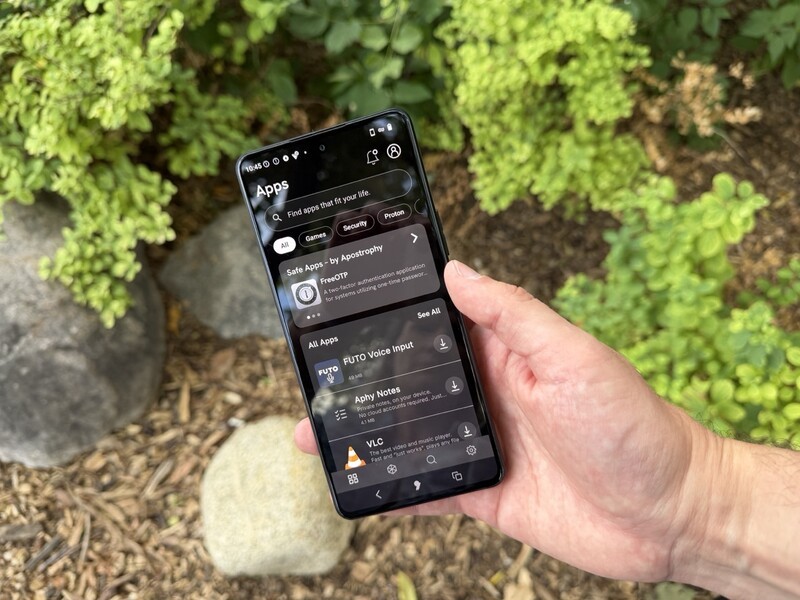
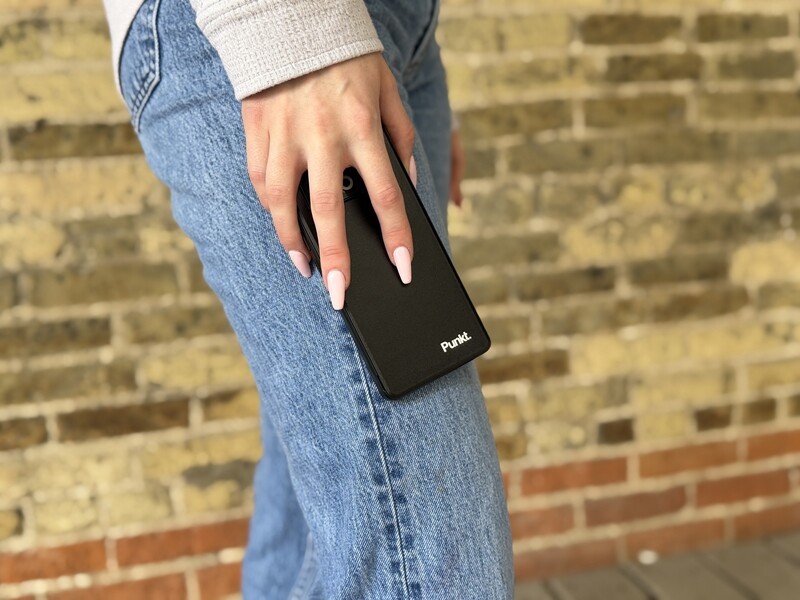
The Punkt. MC03 smartphone is powered by Apostrophy, a privacy-first operating system.
To them, your phone isn't a private appliance like a toaster or a wristwatch; it's an antenna feeding their data centres.
A quiet, respectful phone isn't science fiction, it just requires building software that treats your private life as none of their business.
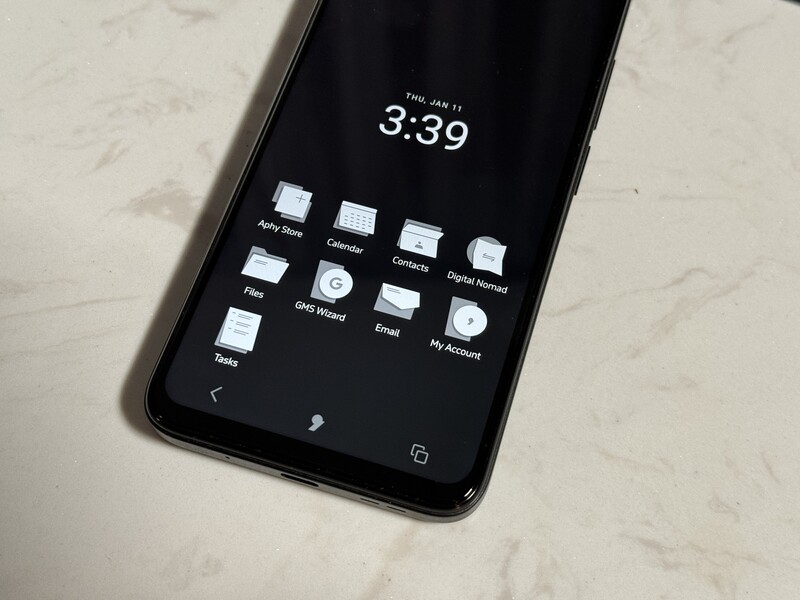
That is why alternative platforms like AphyOS (the operating system that powers Europe's Punkt. MC03 smartphone) are turning heads among privacy nerds.
Instead of slapping a "privacy mode" sticker over a system that is constantly leaking data, AphyOS throws out the tracking engines entirely.
It cuts ties with Google's background services, ditches pre-installed apps that phone home, and comes equipped with a stripped-down, leak-proof browser called Vanadium that only does one thing: load the website you asked for and immediately shut up.
When you put an AphyOS phone on your nightstand and go to sleep, it actually goes to sleep.
No background gossip. No secret check-ins. No digital breadcrumbs.
What You Can Do Right Now to Lock Down Your Current Phone
"Buy a Punkt. MC03" isn't necessarily going to work for everyone right now. So if you're using more traditional hardware and software on your phone there are some steps you can take.

- Revoke "Always Allow" Location Access: Go to your device's permission manager and change location access to "While Using the App" or "Never." No social network, retailer, or casual game needs 24/7 background location tracking.
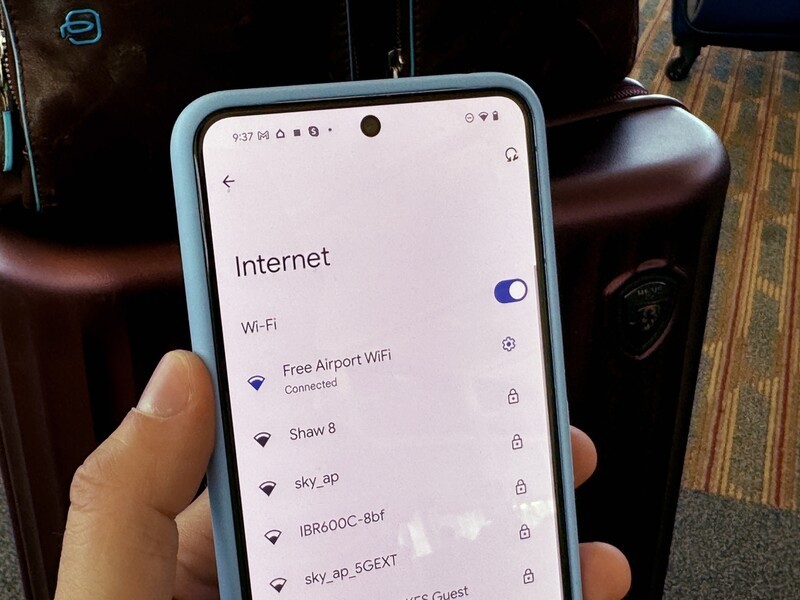
- Turn Off Background Scanning: In your device settings, search for "Wi-Fi scanning" and "Bluetooth scanning." Disable both toggles so your phone stops continuously logging nearby routers and beacons when your connections are turned off.
- Delete Unused Carrier and Bloat Apps: Uninstall or "Disable" pre-installed games, carrier diagnostic apps, and third-party tools you never opened. If an app can't be deleted, revoke all of its permissions and restrict its background battery usage.
- Switch to a Privacy-Respecting Browser: Ditch default preloaded browsers that tie directly into personal ad profiles. Use an independent browser (like Firefox with tracking protection enabled) or Vanadium and turn off search suggestion auto-complete to stop keystroke logging.
- Reset Your Advertising ID: Head into your security & privacy or Google/Apple account settings and tap "Delete Advertising ID" (or toggle on "Limit Ad Tracking"). It may take some digging to find this setting but (it's a sub-menu under Privacy Controls on Android and Apple Advertising on iOS) This severs existing behavioral profiles linked to your device's ad tracker.
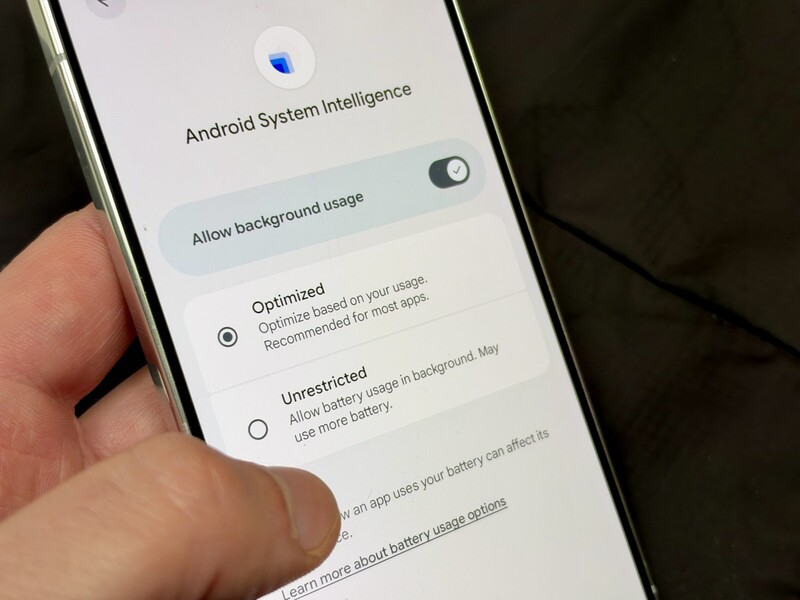
- Audit Background Data Usage: There's no "global" button or toggle to do this, but on Android you can do this on a per app basis by going to settings – apps – and then choosing a specific app to toggle off background data. Or for a quicker fix you can change App Battery Usage to "restricted" instead of optimized (the byproduct is that it stops certain functions when apps are closed). On iPhone look under Background App Refresh and set it to Off (though this could impact timely notifications for certain apps).
While a standard smartphone won't completely stop background operating system telemetry, you can still shut down the most invasive data leaks today.
And, hopefully, as your takeaway from this article for Cybersecurity month, you're a little more savvy about the info you're choosing to share with your smartphone by default.
Key Takeaways: Mobile Privacy & Telemetry FAQ
Do smartphones send data while idle?
Yes. Independent network audits confirm that mainstream commercial smartphones transmit device identifiers, connection metrics, and location metadata to operating system vendor servers every 4 to 5 minutes, even when sitting untouched.
Does opting out of diagnostic sharing stop phone tracking?
No. Toggling off optional diagnostics or ad tracking generally prevents targeted advertising, but does not stop core operating system telemetry or device fingerprinting.
How does AphyOS prevent background beaconing?
AphyOS is built completely independent of Google Mobile Services (GMS). It eliminates preloaded tracking engines, isolates third-party software so closed apps cannot run background listeners, and runs a hardened browser (Vanadium) that produces zero background telemetry.
Read more

The actual cost of "free" online services
While services provided by Big Tech may not cost you money, they do cost your privacy. This article explores how companies like Google make billions of dollars by tailoring custom advertisements to the individual by collecting data on them via multiple methods.

The Security Advantage of PINs Over Biometrics
While biometrics do an excellent job of blocking casual nosey friends or opportunistic thieves, they fail dramatically when facing institutional observation, border checkpoints, or corporate espionage.

VPNs not a threat to youth social media bans
Social media bans for youth are being enacted and explored across the globe. There are different implementation models, but VPNs should not prevent most or all from working. The UK just announced they had deemed VPNs to be used by youth primarily for security, not circumvention. Proton has created an online map to track such legislation around the world.

Proton Just Revealed How Many Data Requests They Refused This Year
As part of that commitment to transparency, Proton regularly publishes a report on how many court-ordered data requests they receive, and how many have resulted in user data being provided.