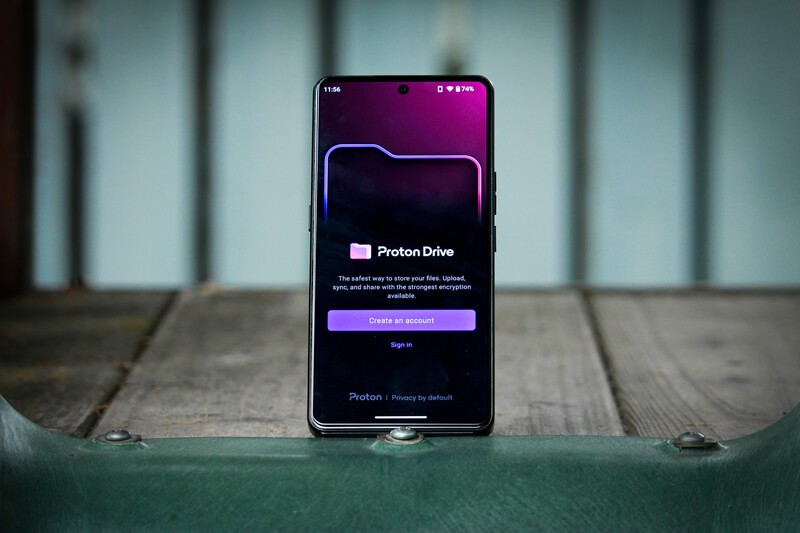
Swiss-based company Proton has a mission, to champion privacy and security as a right for all internet users. They do this by offering a suite of productivity apps to rival those offered by Big Tech companies like Google and Apple. With protection afforded by Swiss-privacy laws, which are amongst the strictest on the planet, Proton is a trusted partner of Apostrophy and AphyOS and thus the majority of their apps are available in the Vault on the MC03.
Executive Summary
- What is Proton? A Swiss-based company dedicated to internet privacy, security, and data sovereignty.
- What is Proton Drive? Proton Drive is the Google Drive replacement from Proton, with all the convenience of Google Drive with additional security benefits.
- End-to-End Encryption Proton Drive provides end-to-end file encryption, including when files are shared with others. Even if Proton wanted to, they can't view your files.
- Free and Paid Proton Drive is free to use but the paid version offers numerous enhanced features.
What is Proton Drive?
Proton Drive is Proton's answer to Google Drive. It's a cloud storage system for your files, photos, and more, with both mobile and a desktop applications, allowing you to easily sync files across your various devices.
Proton Drive is truly private, with end-to-end encryption ensuring nobody, including Proton, can access your files without your permission. That same encryption ensures your data is protected when you share it with others, either via a link you share or a request sent to designated users.
How to Get Proton Drive
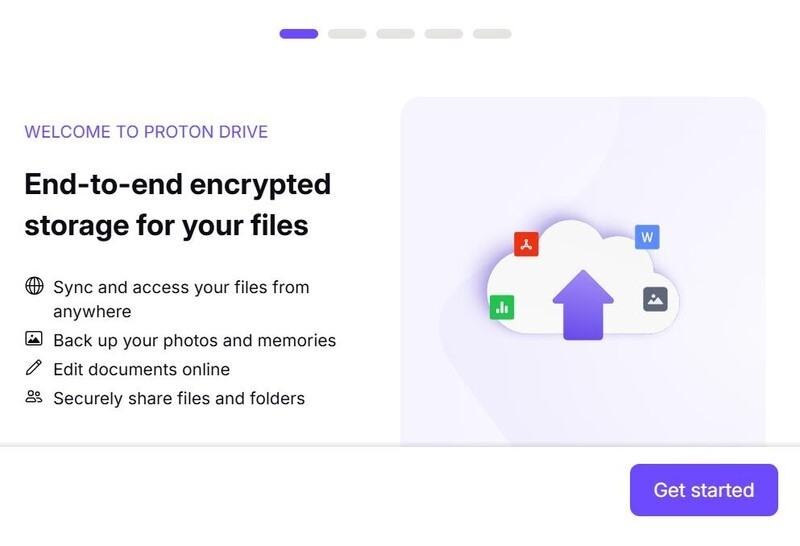
Proton Drive is available for both mobile devices, via a web browser, and as a folder on your Windows or Mac computer.
If you already have a Proton account, you can choose the "Sign in" option on the signup page to start using Proton Drive. If not, complete the following steps.
- Enter your email address and choose a password. While the email address does not have to be a Proton one, an option is presented to create one. If you would like to set up a Proton Mail accountplease read more here.
- A verification code will be sent to your email. Enter it when prompted.
- (Optional but highly recommended) Download or save your Recovery Phrase; without it you could lose permanent access to your Proton account should you lose your login information.
- Set your Display Name that people will see when you send them an email.
- Click "Get Started".
- Select your preferred look (default, dark mode, etc).
- (Optional) Download and install the desktop folder.
- (Optional) Download the mobile app.
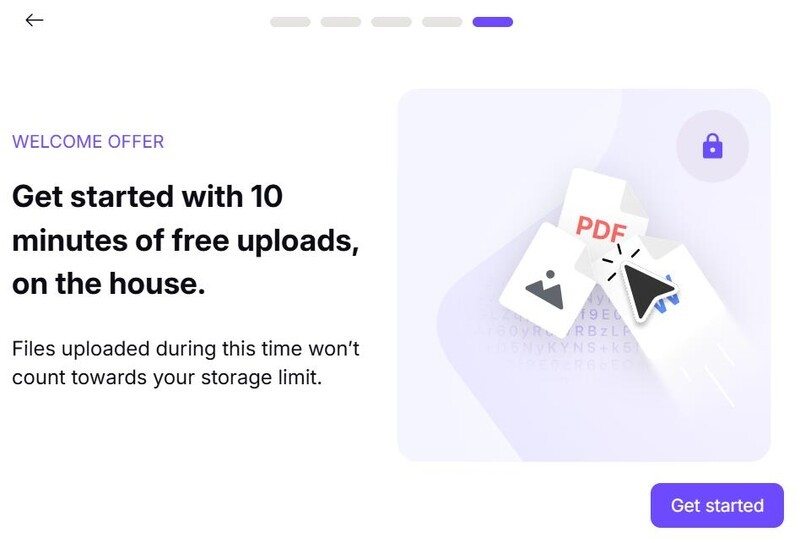
- Prepare any files you know you want to upload, as Proton Drive welcomes new users with an offer where uploads completed in the first 10 minutes will not count against your storage cap.
- Click "Get Started".
Proton Drive Desktop Folder Explained
The paid version of Proton Drive can be downloaded onto Windows, MacOS, and Linux computers. By installing the folder, you can conveniently save files on your computer to the cloud, making them easily accessible across all of your devices.
The links to download the application can be found here.
Once installed, you will be prompted to sign in with your Proton account credentials. From there, you will be presented an option to select local system folders to automatically sync to Proton, keeping your local files safe should your computer crash.
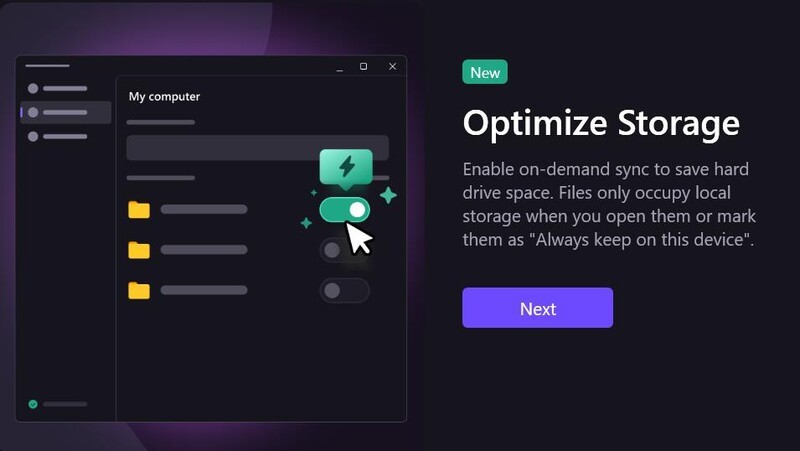
Files stored in the Desktop folder can be accessed in the "Computers" section of Proton Drive, located in the bottom menu on the mobile app and the lefthand navigation menu in the web browser.
Proton Drive Sharing Files Explained
Enjoy peace of mind when sharing your files, documents and photos as Proton Drive includes end-to-end encryption when sharing files. This ensures only the intended recipients can access what is shared.
There are two options for sharing with others.
Individual access
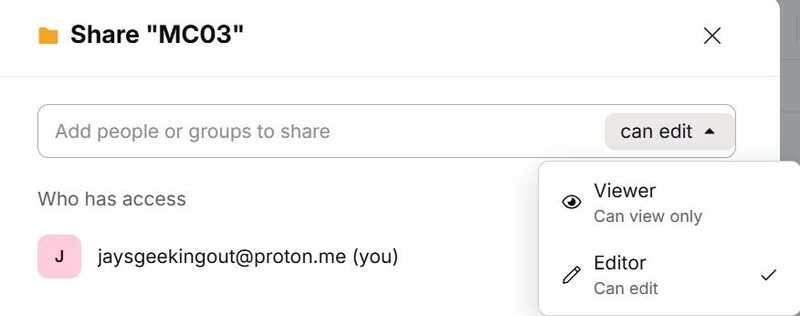
In the mobile app or browser version of Proton Drive, click the three vertical dot menu on the file or folder you wish to share and select "Share".
You will be asked to input the email address of the intended recipient. Take note that the recipient will need to have or create a Proton account in order to view the files.
You can choose to grant the recipient View-only access or Editor access, as well as include a custom message to be included in the invitation email.
Public Link
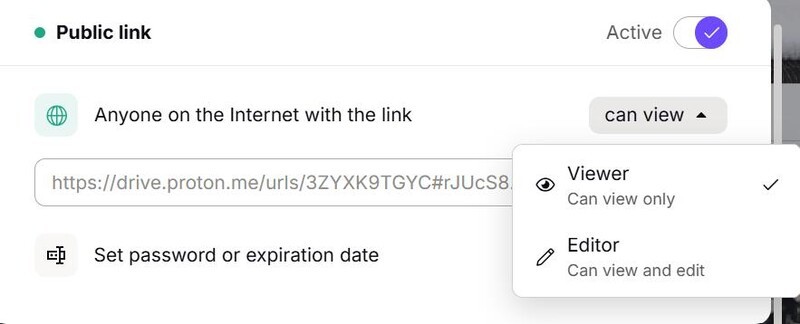
A public link can also be created that will allow anyone with the link to access the file or folder. The level of access can be controlled in several different ways.
- View-only or Editor access can be assigned to the link, preventing others from making changes if you don't want them to.
- An expiry date can be set so that after a set period of time, the link will no longer grant access.
- A password can be required to access the content.
In the mobile app, select "Manage Access" in the vertical dot menu on the content you wish to share to set these parameters. In the web browser selet "Share" and scroll down.
Proton Drive Photos Explained
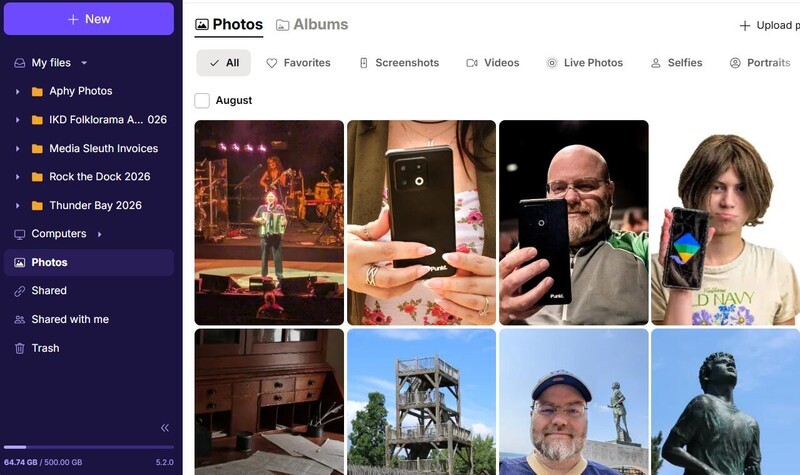
Proton Drive can automatically back up any photos you take on your phone, as well as organize photos into albums for easy organization and sharing. Sharing photos with others follows the same process as any other file or folder.
To enable automatic back-up of photos, navigate to Settings and select "Photo backup". You will be given options to allow or disallow uploading while on mobile data and an option to disable battery optimization, which when enabled allows for uninterrupted backups when the app is running in the background.
Once viewed the first time on the mobile app, Proton Drive will cache up to 500 images, making repeated viewings significantly faster.
Proton Drive Files Explained
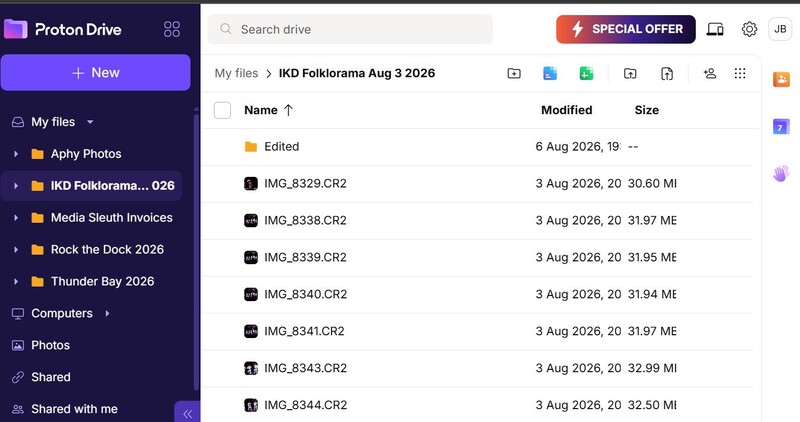
Just as Proton Drive has a dedicated tab for photos, there is also one for your files. Here you can view your files, documents, and organize them into folders to keep your Drive tidy. This also makes it easy to share multiple files at the same time by sharing the entire folder with others.
Proton Drive Documents and Spreadsheets Explained
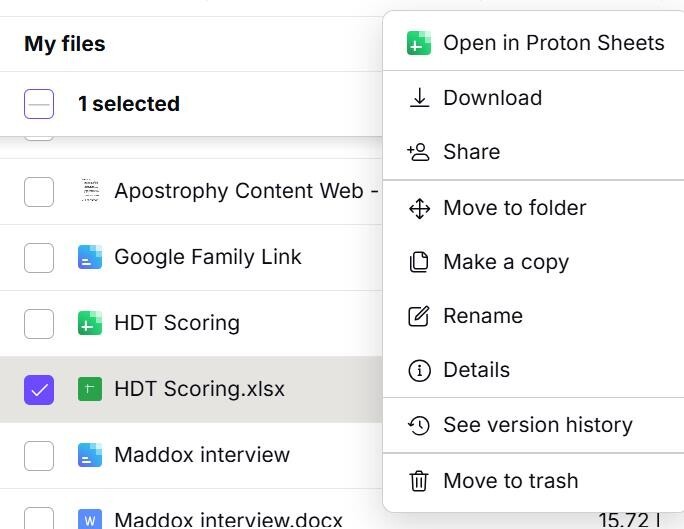
Currently the Proton app does not support opening and viewing other document types like Microsoft Word and Excel. However, if you open the web browser, you can create a copy in Proton Docs or Sheets which can be viewed and, in the case of Docs, edited. Proton has indicated they are working on expanding the capabilities of the mobile app to handle documents and spreadsheets.
To convert a file, click on the vertical triple dot menu on the righthand side of the file name, and click "Open in Proton Docs" or "Open in Proton Sheets".
Proton Free vs. Paid Tiers: Is It Worth The Upgrade?
Like most Proton products, there is a free version and a paid version. Both versions include the same end-to-end encryption and security.
The key differences are:
- Storage The free version offers up to 5 GB of storage, separate from Proton Mail storage. Paid plans offer 200 GB for Drive alone or, with the Unlimited plan, 500 GB shared across Proton Mail, Calendar, and Drive.
- Version history The paid plan stores up to 200 versions of each file for up to 10 years, allowing convenient rollback capability.
- File Recovery If you delete a file by accident, you can recover files for up to 10 years from the date of deletion.
- Desktop sync The paid plan offers the ability to sync files from your computer automatically or manually to your Proton Drive, making it simple to back-up your files at all times.
- Unlimited Paid Proton Drive can be bundled with other Proton services for a more comprehensive, privacy-focused experience on the internet.
Is Proton Drive for you?
With end-to-end encryption on all your files, whether kept just to yourself or shared with others, Proton Drive is a practical, privacy-based alternative to Google Drive. With 5 GB of storage available for free, not including the first 10 minutes of upload time where files uploaded don't count against your cap, there's no reason not to give Proton Drive a try.
When you are ready to upgrade, remember to use the referral code and earn $20 USD in Proton credits to use towards future payments.
Read more
Welcome to Proton Mail
Proton Mail is the privacy-focused mail application from Swiss-company Proton. Proton has a mission to promote internet privacy and data sovereignty as a right for all internet users. The article goes into a number of features in Proton Mail and instructions on how to use them.

Why you want to pay for Proton (and maybe why you don't)
Proton provides a suite of productivity applications that combine convenience and ease of use with enhanced data protection and privacy. Explore why upgrading from the free Proton apps to the paid versions is likely right for many users, but maybe not all.
Proton Just Revealed How Many Data Requests They Refused This Year
As part of that commitment to transparency, Proton regularly publishes a report on how many court-ordered data requests they receive, and how many have resulted in user data being provided.
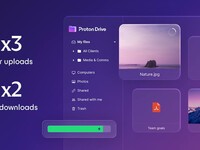
New and improved Proton Drive
Proton Drive has been upgraded, with enhanced speeds, greater sharing control, new viewing options (particularly of note for photo sharing), and more. Proton Drive is available for free or for purchase.