Two radios inside your phone spend the whole day talking to the world around them. Bluetooth keeps watch for earbuds, speakers, watches and car kits. Wi-Fi looks for networks worth joining. Neither one needs you to open an app or tap a button, and both leave traces that can be pieced together into a picture of where you have been.
That does not mean your handset is broadcasting its exact position to anyone with a laptop. The reality is messier and more interesting. Some of the signals are deliberately scrambled. Some depend on millions of other people's phones joining in. Understanding which is which helps you decide what to switch off, what to leave alone, and what to expect from the device in your pocket.
Here at ApostrophyNow.com we like to educate people on how these everyday mechanisms in their device are working (regardless of whether their phone actually uses AphyOS) because if you better understand these wireless transmitters and receivers, you can better decide how you manage which apps and devices have permission to connect to them.
Bluetooth and Wi-Fi collect different kinds of clues
The two technologies are often lumped together, but they answer different questions about you.
- Bluetooth is short range and device to device. It tells the world that something nearby wants to connect, or that an accessory such as a tracker is advertising itself.
- Wi-Fi is about networks and proximity. Your handset assembles a sense of the access points around it, and positioning services can match that pattern to a known place.
- Bluetooth trackers are a consumer product category in their own right, sold to help you find keys, wallets, bags and luggage.
- Crowdsourced finder networks sit on top of both, using other people's phones as silent lookouts for lost items.
So the threat is not one single technique. It is a collection of small signals that become more revealing when combined with everything else already known about you.
How Bluetooth tracking works on a modern phone
A Bluetooth chip identifies itself using an address. If that address stayed fixed forever, anyone with a receiver and some patience could follow a device around a city. Apple addressed this by randomising MAC addresses for Bluetooth transmissions, so the unique identifier broadcast by an iPhone or iPad changes regularly. That makes consistent tracking of a specific device over time impossible in the way many people imagine.
Android behaves differently again. Android handsets do not continuously send out Bluetooth transmissions, and BeaconZone's analysis of the subject is blunt: contrary to popular belief, it is not possible to directly track smartphones using Bluetooth alone, because both iOS and Android include privacy protections and limitations.
None of that makes Bluetooth harmless. Devices still advertise when they are looking for something, and accessories still talk to handsets. What changes is the target. Instead of tracking a phone, the practical approach is to track the items people carry with them, and to do it through a network that other phones help to build.
What Bluetooth trackers can and cannot do
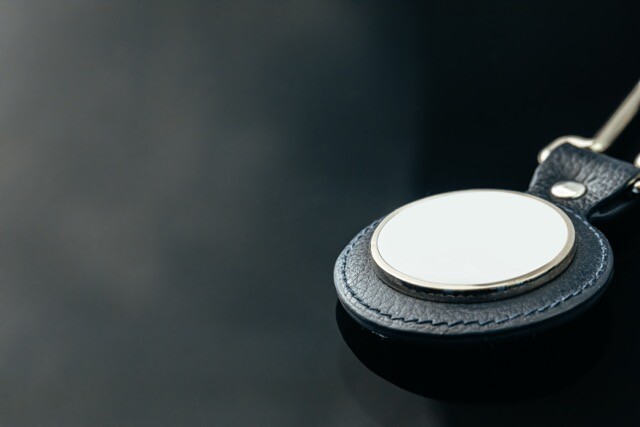
Bluetooth trackers are the small tags that pair with your phone to help you find a lost object. People add them to their keychains. You may put one in your luggage. Maybe your backpack or work bag have one of these built right in? When you lose one of these items these trackers can make a noise or report their last known position.
Bluetooth trackers can be very handy, but there are limits to their functionality.
Both Apple and Google operate networks that let millions of handsets act as anonymous sensors for lost items. When your tag is out of your own Bluetooth range, a nearby stranger's phone can note that it heard the tag and pass the location back to you. It is a clever use of scale, and it is also why a tag that leaves your bag can still be found across a city.
The system is only as good as its participants and its settings. Basically these networks depend on configuration and on enough nearby devices opting in. If your tracker is not reporting, the problem may not be the tag at all. It might be that enough people in the area are privacy-conscious enough that their data sharing settings won't let a stranger's tracker "talk" to their phone for the purposes of geolocation.
How Wi-Fi signals feed location data
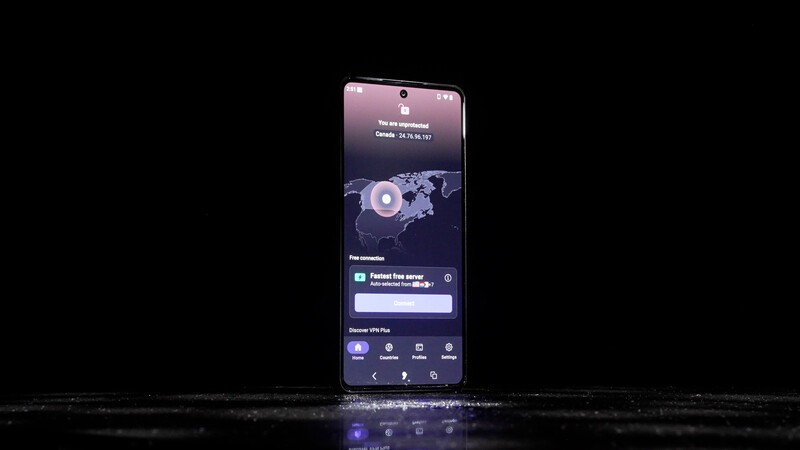
Wi-Fi location works on a different principle. Rather than measuring the distance to a single transmitter, positioning services look at which networks are visible at a given spot and compare that pattern with records of where those networks have been seen before. Your phone does not need to join a network for the pattern to be useful.
This is why accuracy indoors can be surprisingly good, and why a phone can place you in a shopping centre where satellite signals struggle. Many handsets also offer randomised hardware addresses for Wi-Fi networks, so the identifier you present to a network can change. The network list itself, however, is a description of your surroundings.
| Signal | What it can reveal | What limits it |
|---|---|---|
| Bluetooth advertising | That a device or tag is nearby, which finder networks use to report an item's position | Randomised MAC addresses on iOS change the identifier regularly, preventing consistent tracking over time |
| Bluetooth accessory connections | Which earbuds, speakers, watches or car kits your phone has paired with | Very short range, and Android handsets do not continuously transmit over Bluetooth |
| Wi-Fi network scans | A pattern of nearby access points that positioning services can match to a place | Depends on a scan taking place, and many handsets present randomised addresses to networks |
| Crowdsourced finder networks | Approximate location of a tagged item, relayed by other people's phones | Requires nearby participating devices and correctly configured reporting settings |
Where the risk actually sits
For most people, the honest answer is that Bluetooth and Wi-Fi are not the main way their location is known. Apps with location permission, account histories and advertising profiles do far more of that work. The radios are a supporting cast, useful for confirming presence, filling gaps indoors, and powering the finder networks that made tracking tags a mass-market product.
But for the most privacy conscious users who don't want their devices (or the apps on them) to be checking in on their location and potentially sharing that via Wi-Fi or Bluetooth, there are a few steps you can take.
Practical steps to cut your Bluetooth and Wi-Fi footprint
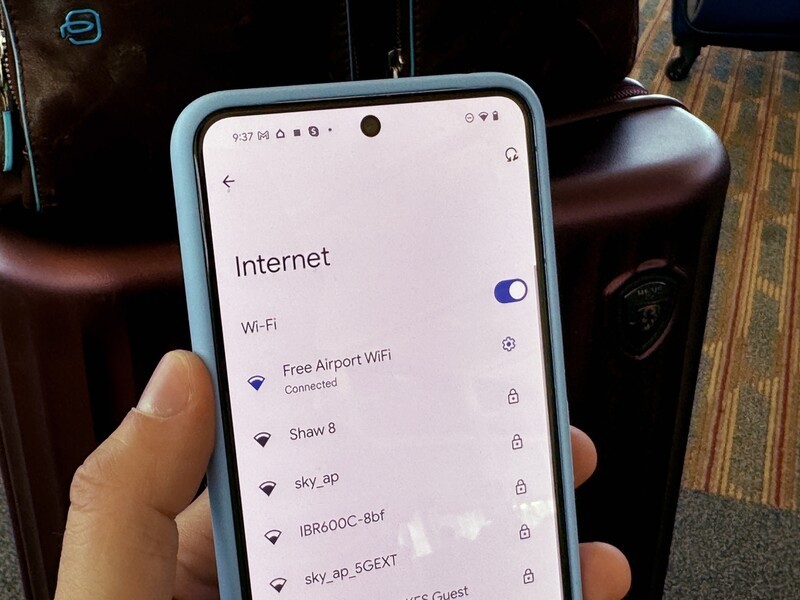
- Turn Bluetooth and Wi-Fi off when you genuinely do not need them. On a train or overnight, there is little lost.
- Review which apps ask for location and for permission to scan for nearby devices, and revoke anything that cannot justify it.
- Audit your trackers. Remove tags you no longer use, and check bags and coats you have travelled with.
- Keep your operating system updated, since privacy protections such as address randomisation are delivered through these updates.
- Check the tracking settings on the phones you rely on, especially if you use a finder network to locate shared items.
- Ask what your handset maker does with the network and device data it already collects, because that question matters more than any single radio.
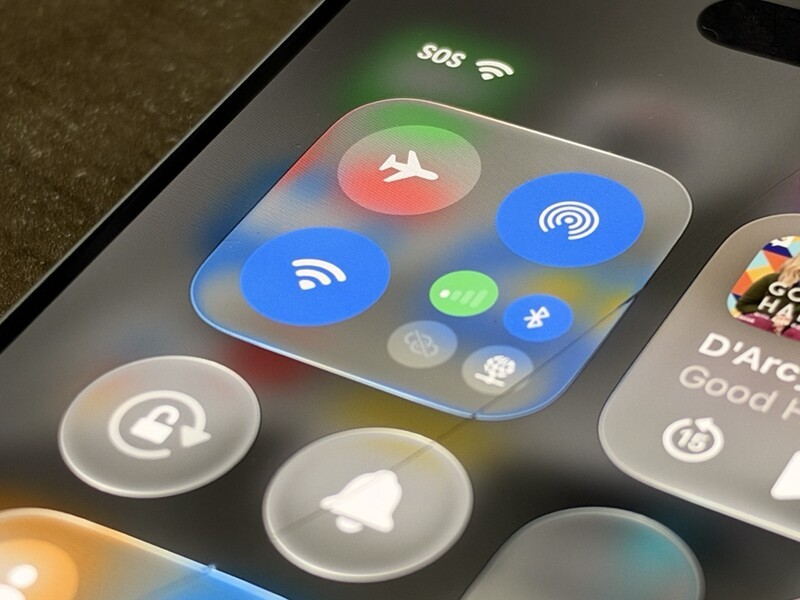
An important note related to toggling off Wi-Fi or Bluetooth. If you just quickly toggle your Wi-Fi or Bluetooth settings in Control Center (iOS) or Quick Settings (Android) it doesn't necessarily turn off background scanning.
On iOS: Tapping Wi-Fi or Bluetooth in Control Center only disconnects currently paired accessories and active Wi-Fi networks. The underlying radios remain active for background tasks, Location Services, AirDrop, AirPlay, and Apple Watch.
Apple's official documentation explicitly notes that auto-reconnect resets at 5:00 AM local time or upon a restart. True deactivation requires switching them off inside Settings > Wi-Fi and Settings > Bluetooth.
On Android: Disabling Wi-Fi or Bluetooth via the Quick Settings shade does not stop background scanning. Under Settings > Location > Location services, features titled Wi-Fi scanning and Bluetooth scanning allow Google Location Services and authorized apps to scan for surrounding access points and BLE beacons around the clock to improve indoor positioning.
Why a sovereign operating system changes the equation
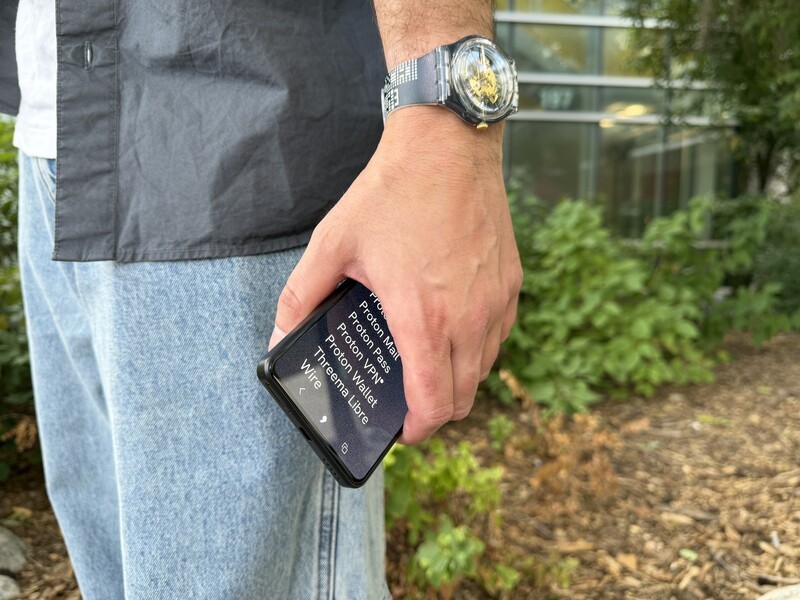
Apostrophy OS, also called AphyOS, is built for people who would rather not trade their location data for a working phone. It runs on compatible hardware such as the Punkt MC03, and it approaches privacy as an architectural decision rather than a settings menu.
- Hardware-backed protections including eFuse, verified boot and platform signing keys, so the software running on the device can be checked rather than assumed.
- A privacy-first design that reduces the dependence on advertising-driven data collection.
- Zero-touch enterprise fleet management, for organisations that need to deploy and control devices without shipping data to a third party.
- A European, sovereignty-focused alternative to the two dominant mobile platforms.
Bluetooth and Wi-Fi are useful radios, and you do not have to give them up to be private. You do have to know what they are saying, on your behalf, to everything within range.
Frequently Asked Questions
Can someone track my phone using Bluetooth alone?
Generally direct tracking of smartphones through Bluetooth alone is not possible, because both iOS and Android include privacy protections and limitations. Apple randomises Bluetooth MAC addresses so the identifier changes regularly, and Android handsets do not continuously transmit over Bluetooth. Trackers work differently, because they are separate devices designed to advertise themselves.
Is Wi-Fi tracking more accurate than Bluetooth tracking?
They measure different things. Bluetooth gives short-range proximity between devices, which is why it suits tags and accessories. Wi-Fi positioning matches the pattern of visible networks to known locations, which tends to work better indoors, where satellite signals struggle. Neither one, on its own, gives a complete record of everywhere you have been.