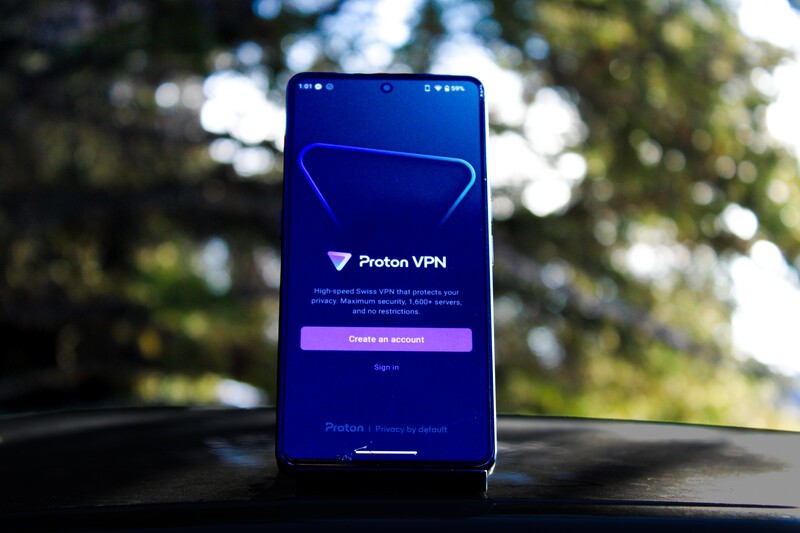
Swiss-based company Proton has a mission to champion privacy and security as a right for all internet users. They do this by offering a suite of productivity apps to rival those offered by Big Tech companies like Google and Apple. With protection afforded by Swiss-privacy laws, which are amongst the strictest on the planet, Proton is a trusted partner of Apostrophy and AphyOS and thus the majority of their apps are available in the Vault on the MC03.
Executive Summary
- What is Proton? A Swiss-based company dedicated to internet privacy, security, and data sovereignty.
- What is Proton VPN? Proton VPN is Proton's VPN app, masking your digital identity and IP address to protect your privacy.
- Reroute Your Data Route your data through over 140 different countries to bypass geographic restrictions.
- Free and Paid Proton VPN is free to use but the paid version offers numerous enhanced features.
What is Proton VPN
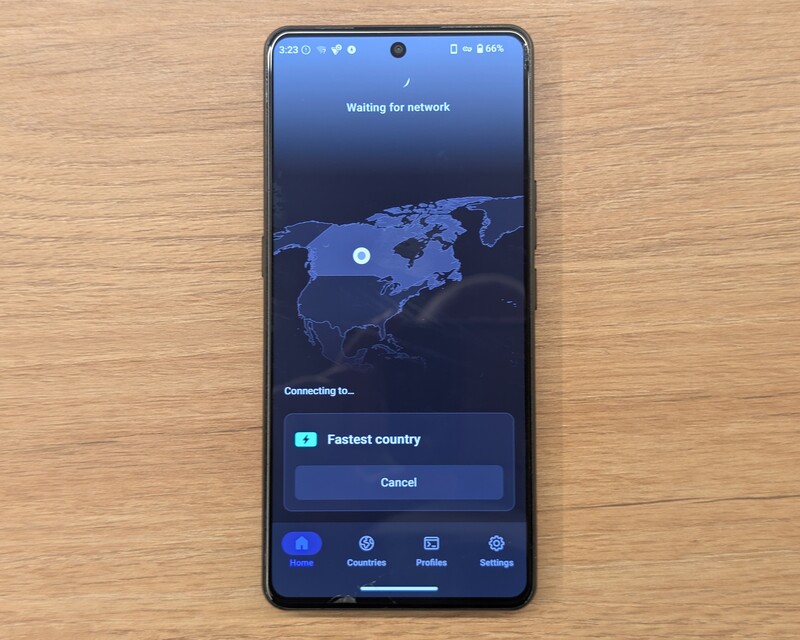
Proton VPN is one of the Vault approved apps for your Punkt MC03 that protects your data as it leaves your device.
By routing the network traffic to and from your device through servers around the world, Proton VPN masks your IP address and your actual location. This has the added benefit of allowing you, in some cases, to bypass geographic restrictions; for example, allowing you to access the Netflix library from another country.
How To Get Proton VPN
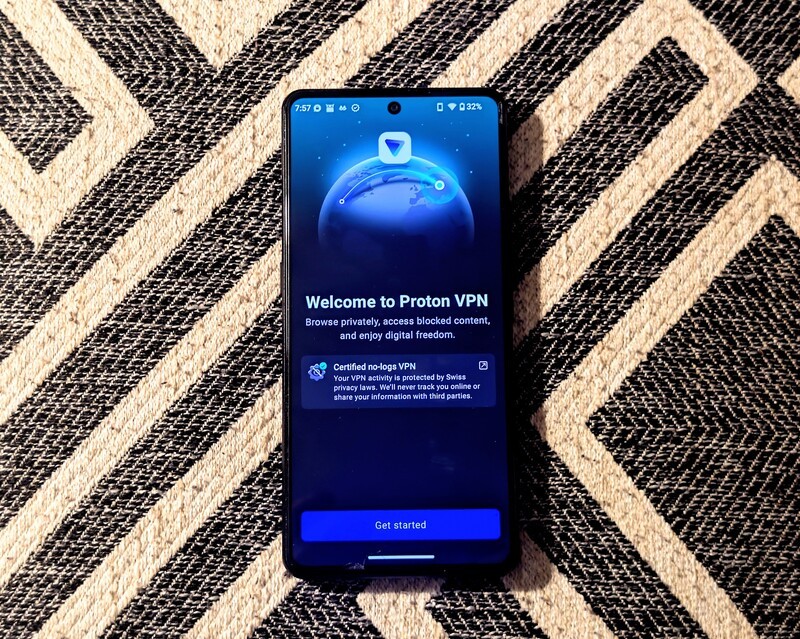
Proton VPN, like all Proton apps, comes in a free and a paid version. Signing up for the paid version requires a Proton account, but the free version can be accessed without one. Learn more about how to obtain a Proton Mail account here.
To register for a free account with a non-Proton email address, follow these steps.
- Navigate to the Proton VPN app on your MC03 smartphone.
- Select "Create an account".
- Enter your email address and select "Next".
- Enter the verification code sent to your email and select "Verify".
- Create a password (read how to use Proton Pass to create and manage your passwords here) and select "Next".
- Select "Get Started"
How Proton VPN Works
Before your data leaves your MC03, Proton VPN encrypts the data using some of the strongest security protocols available. The data then travels via an encrypted data tunnel to a Proton VPN server in one of 140+ countries.
When your data exits the tunnel, the data decrypts and forwards to the destination website or service. As far as the website can tell, your request appears to come from the IP address that belongs to the VPN server, not yours.
Your Internet Service Provider will only see that you are connected to a Proton VPN IP address, but they cannot see the websites you visit, the data you transfer or your DNS requests.
How Does Proton VPN Route Your Data?
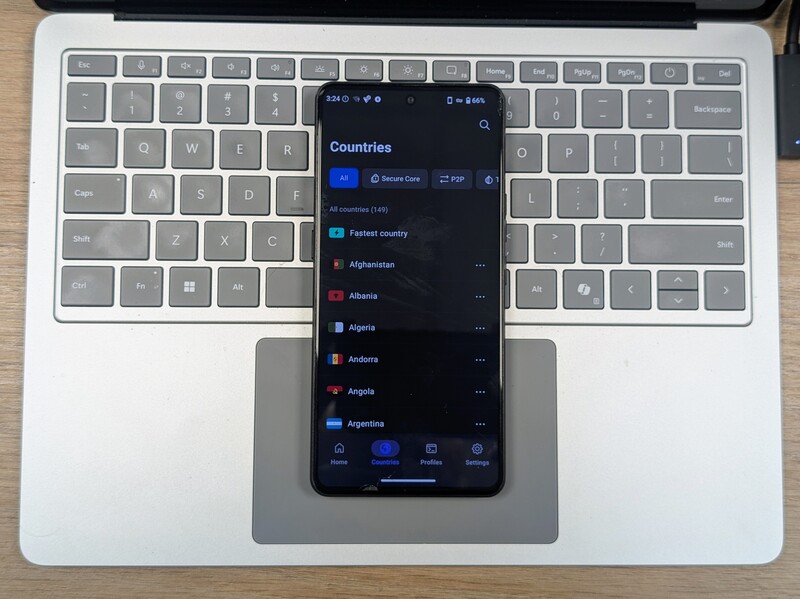
The free version of Proton routes your data through 1 of 10 countries, with the app automatically choosing the fastest server available. The 10 countries are:
- Canada
- United States of America
- Mexico
- The Netherlands
- Poland
- Romania
- Norway
- Switzerland
- Japan
- Singapore
The paid version of Proton offers over 140 countries, with the ability to choose the country of your choice. This is especially useful for accessing content otherwise geo-locked to another country, such as a Netflix library. To select the country of your choice, navigate to the "Countries" tab at the bottom of the screen.
Proton VPN: The Kill Switch Explained
To ensure your data is protected at all times, Proton VPN supports the Kill Switch function. The Kill Switch immediately halts all network traffic to and from your MC03 the moment your VPN is disconnected. It also protects you when switching from one VPN to another.
To enable the Kill Switch, complete the following steps.
- From the Proton VPN app, select the "Settings" menu on the lower righthand side.
- Under "Features", select "Kill switch".
- Open your MC03 settings menu.
- Navigate to "Network & internet > VPN > Proton VPN".
- Toggle "Always-on VPN on.
Proton VPN: Preconfigured VPN Profiles Explained
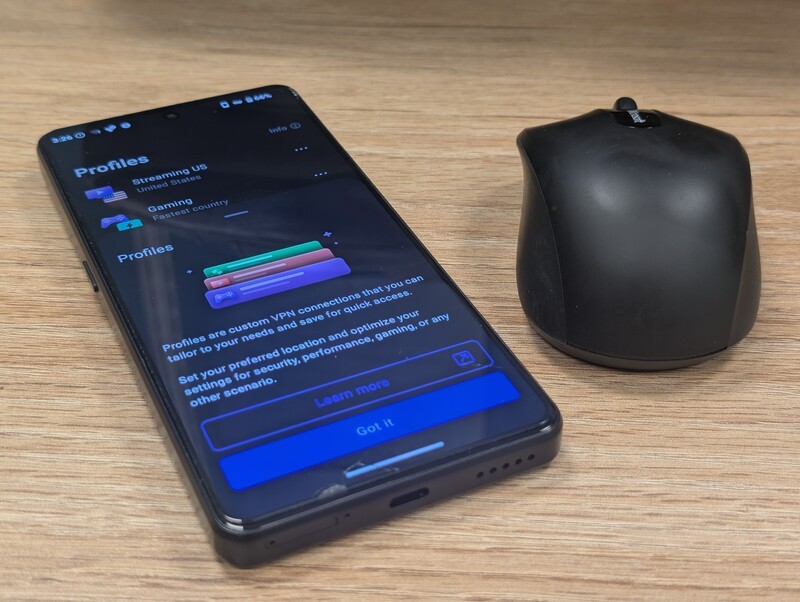
Paid Proton VPN supports the ability to create and save custom VPN profiles for specific servers, protocols, or configurations. Saving the profile allows you to access it again with a single click.
Proton VPN comes with the following custom-profiles already enabled.
- Streaming US
- Gaming
- Anti-censorship
- Max security
- Work/school
To create your own custom profile, navigate to the "Profiles" tab on the bottom of the screen, then do the following.
- Select "Create profile".
- Enter a name, select an icon colour as well as an icon, then select "Next".
- Select your connection type (Standard, SecureCore, or P2P) and the country. Hit "Next".
- Adjust any of the following optional fields.
- Netshield (On or Off)
- Protocol
- NAT type
- LAN connection
- Connect and Go (automatically open a specific website upon VPN connection being established).
- Custom DNS
- Select "Save".
Proton VPN: Free vs Paid
Like all Proton apps, the free and paid versions offer the same robust security features.
The free version includes automatic fastest server connection to one of 10 countries, the Kill Switch function, medium connection speed and support for a single device.
The paid version offers the ability to select a server from over 140 countries, the Kill Switch, up to 10 GBPS connection speeds, support for up to 10 devices, and the following.
- Streaming support (unblock and stream geo-restricted content from services such as Netflix).
- P2P/BitTorrent support
- Netshield Ad-blocker
- Secure Core (Double VPN, routes data through multiple countries)
- Tor over VPN (route your traffic through Tor anonymity network)
- Stealth Protocol (circumvent network censorship and firewalls in restricted regions)
Is Proton VPN For You?
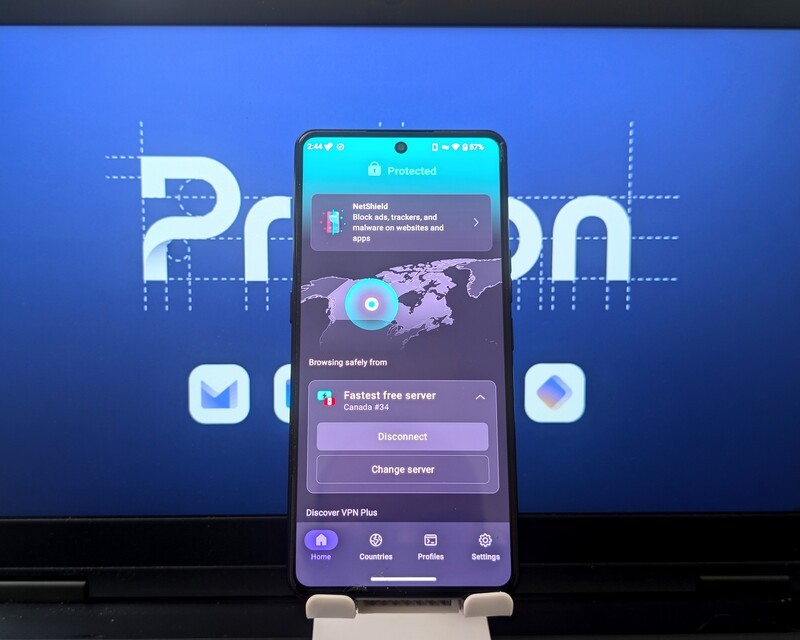
As a Vault approved app from a trusted privacy partner in Proton, Proton VPN is a powerful tool in the data sovereignty toolbox that is the MC03 from Punkt. The MC03 protects your data at home, Proton VPN protects it as it comes and goes from the device.
Try the free version today and when you're ready to upgrade, don't forget to click here to earn a $20 USD credit with Proton to use when renewing the service.
Read more
Total Control: The MC03 Data Ledger
The Data Ledger on the MC03 smartphone provides granular control of app permission and background processes. The article outlines how to access the Ledger and how the Data Privacy and Carbon Ledger components work.
Welcome to Proton Pass
Proton Pass is a password management app from Swiss-based Proton. The app includes end-to-end encryption to protect and store logins, alias email addresses, identity information, credit card information, and more. The article breaks down a number of key features and how-to's to make the most of the Proton Pass service.
Welcome to Proton Calendar
Proton Calendar is the Proton equivalent to Google Calendar. Proton Calendar provides end-to-end encryption and does not read users data. The article provides information on how to register for the service, key features, comparison to Google Calendar, and a breakdown of free versus paid features.

Can Your Phone Be Tracked via Bluetooth and Wi-Fi? How It Actually Works
You probably know you should be wary to connect to a public Wi-Fi network, but did you know that just because you toggle off Wi-Fi, it doesn't necessarily mean your phone's not broadcasting vital info wirelessly. In this article we'll dig into how Wi-Fi and Bluetooth settings work on modern smartphones and when you should consider turning them off.